The problem: classification is only as good as the text it reads
Your team wants documents sorted automatically. Invoices go to finance. Contracts go to legal. Claims go to the right queue. In a pilot, this works well on clean samples.
Then real documents arrive. Many are scans, photos or faxes. Some have tables, stamps and handwriting. The software that reads them, called OCR (optical character recognition, which turns a picture of a page into text), starts to make mistakes.
Why it is hard in production, not just in a demo
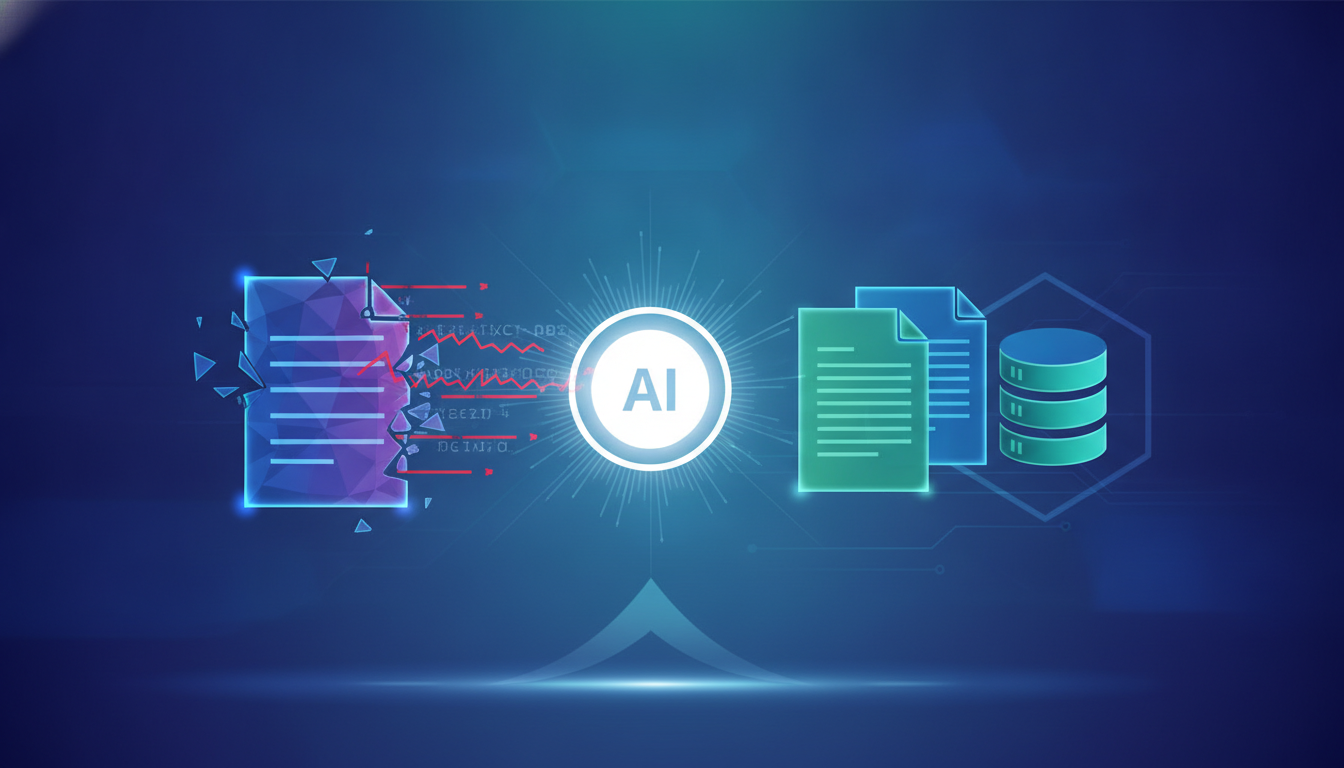
Classification systems read the text that OCR gives them. If that text is wrong, the sorting is wrong. Nobody sees the problem at first.
Three things go wrong most often:
- Silent errors. Skewed pages, odd fonts and handwritten notes produce wrong text with no warning. The mistake shows up later as a misfiled document.
- Lost layout. Many OCR tools flatten a page into plain text. A number in a table means something different from a number in a paragraph. Once the layout is gone, the classifier cannot tell.
- Constant upkeep. A single OCR setup tuned for one document type breaks when a new type arrives. Your team ends up fixing rules by hand.
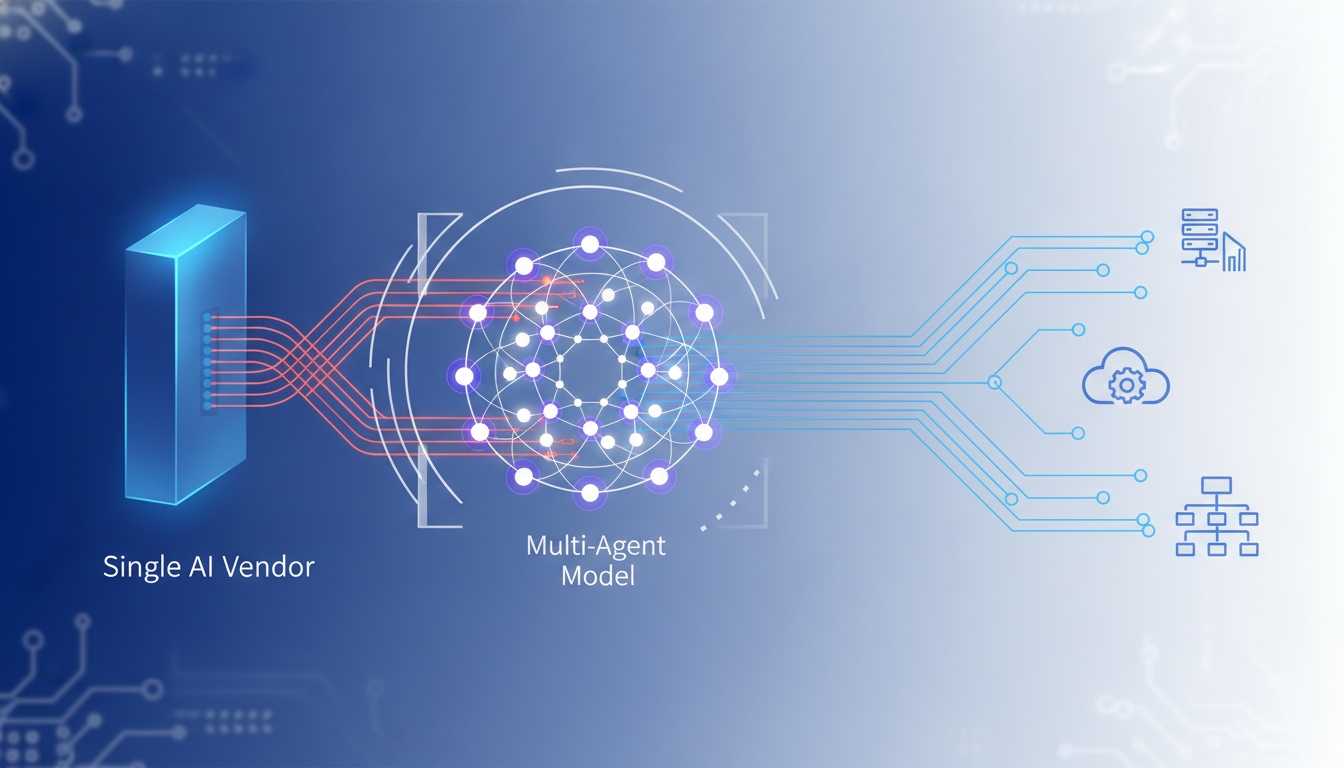
One newer approach is sometimes called agentic OCR. It splits a page into parts and sends each part to the model best suited to it. Standard OCR reads the text. A vision model reads images and tables. A layout-aware model keeps the structure. This can cut errors and upkeep. It does not remove the need for checks.
How we approach it
We do not start with a tool. We start with your documents and your workflow. Our forward-deployed engineers work inside your team. We look at the real files, find where reading fails, and build from there. Our document AI and OCR work follows this path.
We build in two safeguards from day one. First, every result carries a confidence score, which shows how sure the system is. Below a set threshold, the document goes to a person for review. Second, every result links back to the exact spot on the page it came from. That gives you an audit trail, so a reviewer or auditor can check any decision.
We also add feedback loops. When a reviewer corrects a result, that correction is recorded and used to improve the system. Then we hand over. Your team learns how it runs, how to tune thresholds and how to switch it off for one team if needed. See our process for the steps.
An example from our work
One example from our work: RAG search for a national statistics ministry: questions in Hindi, English and Kannada, by voice or text, with citations that link to the exact source page. 490+ legacy statistical tables indexed and queryable in plain language.
The lesson applies here too. Old documents only help when the system keeps their structure and shows where each answer came from.
Checklist before you move to production
- Test on your messiest real documents, not clean samples.
- Keep the page layout, especially tables.
- Set a confidence threshold. Send low-confidence results to a person.
- Link every result back to its place on the page.
- Track errors and feed reviewer corrections back in.
- Plan the handover so your team can run it without us.
Next step
If your team has document classification in pilot but not in production, book a discovery call.
Saksham Gupta
Founder & CEO, EduBildSaksham Gupta is the founder and CEO of EduBild, which embeds forward-deployed AI engineers with enterprise teams to ship production AI. Ex-Daimler AG; KIT Germany.