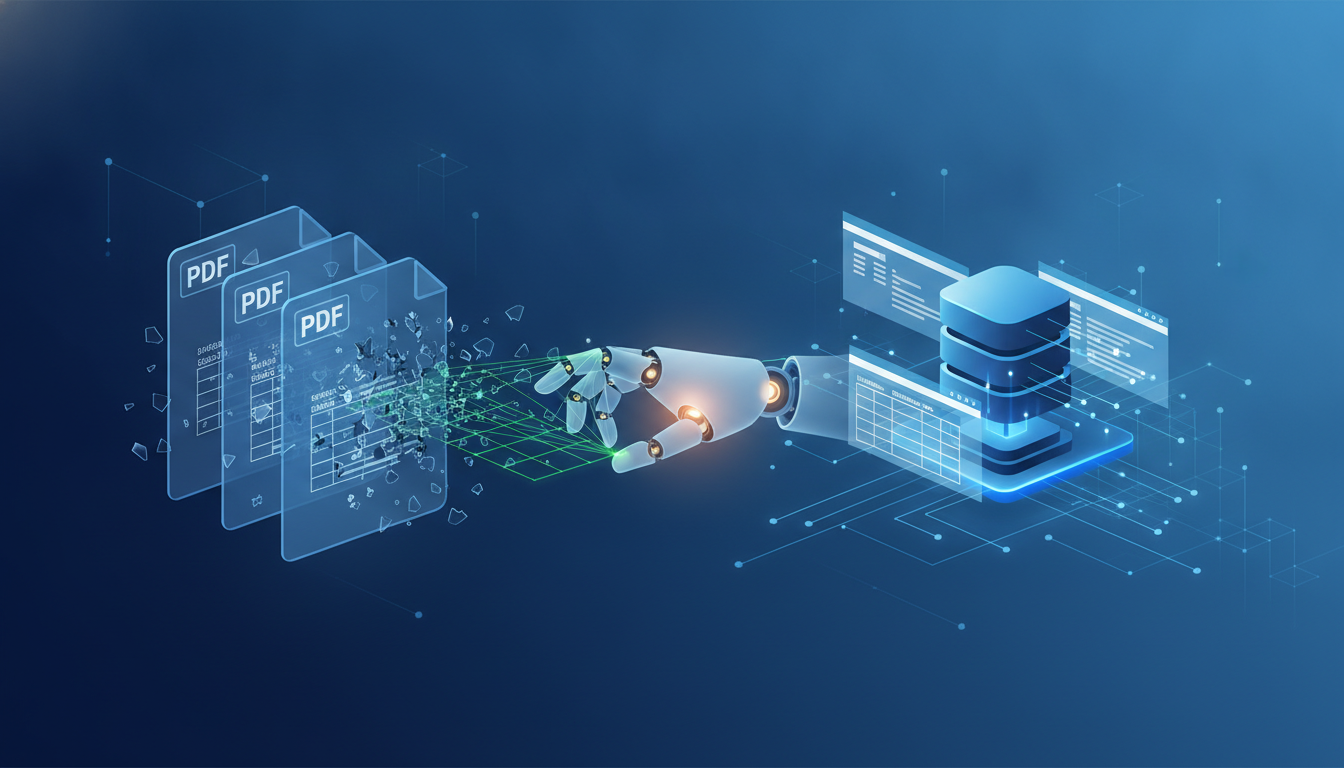
Many finance teams need data from tables inside PDFs. Invoices, bank statements and financial reports all hold key numbers in rows and columns. If a system reads those tables wrongly, errors flow into your ledgers and reports.
The core problem is simple. A PDF does not store a table as a table. Software has to work out the rows and columns on its own.
How does the PDF format make table extraction hard?
A PDF stores pieces of text and where each piece sits on the page. It does not store rows, columns or cells. The structure has to be guessed from spacing and alignment, which a human reader does without effort.
Borderless tables are a good example. There are no lines between columns, only gaps. Software must decide where one column ends and the next begins.
Scanned PDFs add a second problem. A scan is only a picture. Optical character recognition (OCR), which turns a picture of text into real text, must read it first. Poor scans cause reading errors. So there are two jobs: read the text correctly, then rebuild the table.
Why do older methods fail in production?
Simple text extraction reads a page line by line. It breaks when a cell has several lines or when text wraps. The grid is lost and values end up in the wrong columns.
Rule-based tools follow fixed templates. They work well on one layout. But suppliers and banks change their formats often. Each change means someone must update the rules by hand. This takes time, and mistakes creep in.
A demo often uses a handful of clean files. Production brings thousands of documents in many layouts, plus tables that run over several pages. That is where older methods stop being reliable.
Which techniques improve accuracy?
- Machine learning models. They learn what tables look like and can find structure even when lines are missing.
- Layout analysis. The system studies where text sits on the page to rebuild the grid.
- Matching to a fixed format. Extracted values are placed into agreed fields, such as date, description and amount, so other systems can use them.
- Human review. When the system is unsure, a person checks the result. Their corrections can then improve the system.
How we approach it
We do not hand over a tool and leave. EduBild uses forward-deployed engineering. Our AI engineers work inside your team, next to the people who handle invoices and bank statements every day.
We start with your real documents, not clean samples. We build table extraction into your existing workflow, using our document AI and OCR work. We set clear rules for when a person reviews a result. We track errors so you can see how well it works.
Then we hand it over. Your team learns how it runs, how to fix it and how to add new document types. Our process is built around that handover.
An example from our work
One example from our work: AI expense matching inside ERP for finance teams.
Reading the table is only the first step. The data must then flow into the system your finance team already uses. That is why we also build inside ERP systems.
What business leaders should take away
- Test on your messiest documents, including scans and multi-page tables.
- Ask what happens when the system is unsure. There should be a review step.
- Check how new layouts are handled without constant manual rule updates.
- Make sure the output fits your ERP and finance workflow.
- Plan the handover from day one, so your team can run it.
FAQ
Why are tables in PDFs hard to extract?
PDFs store text and its position, not rows and columns. Software has to infer the structure.
Is OCR enough?
No. OCR only turns images into text. The table structure must still be rebuilt.
How do we keep accuracy high?
Use learned models, matching to a fixed format, and human review for unsure cases.
Next step
If your team has table extraction from invoices and bank statements in pilot but not in production, book a discovery call.
Saksham Gupta
Founder & CEO, EduBildSaksham Gupta is the founder and CEO of EduBild, which embeds forward-deployed AI engineers with enterprise teams to ship production AI. Ex-Daimler AG; KIT Germany.